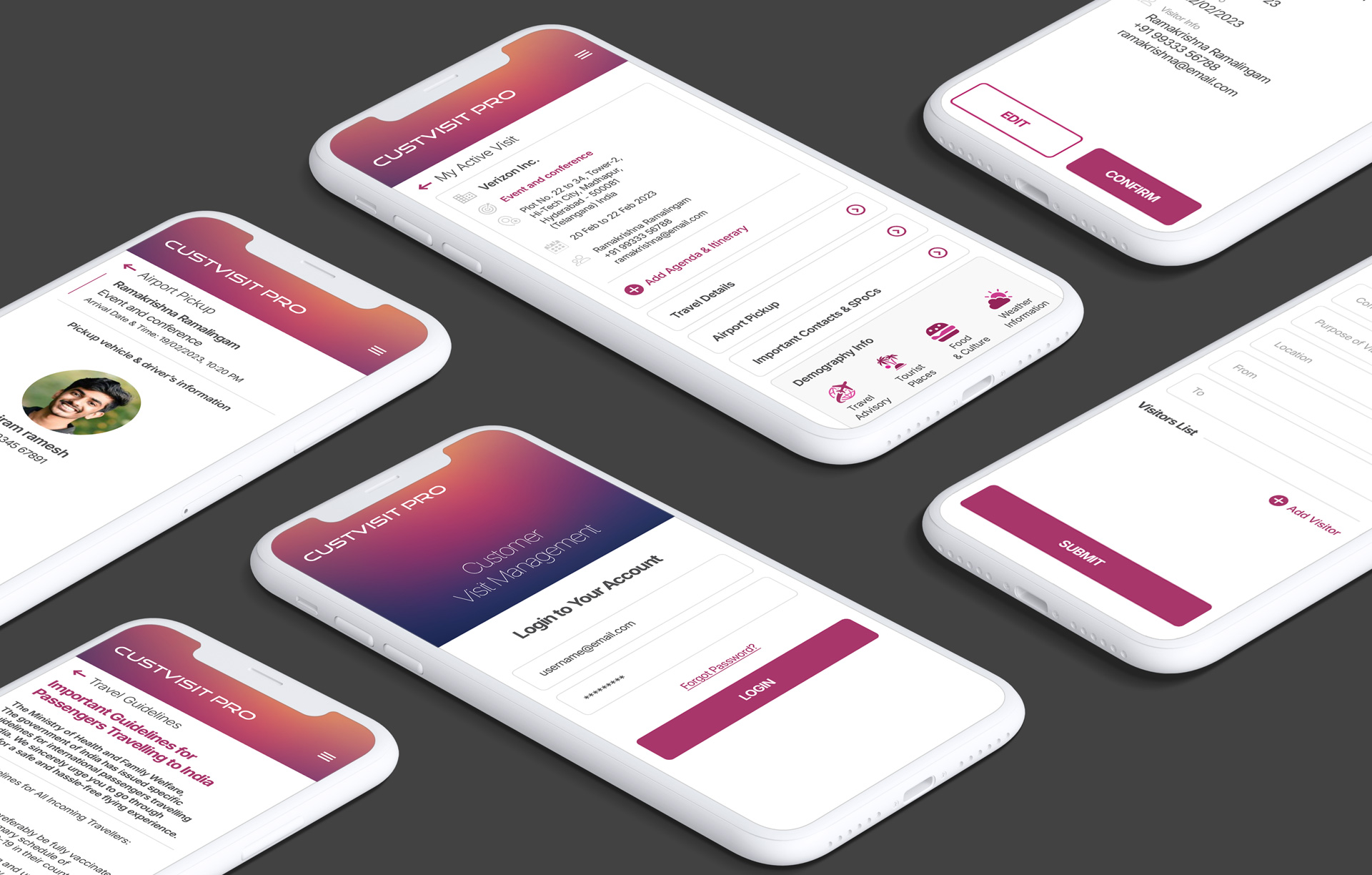
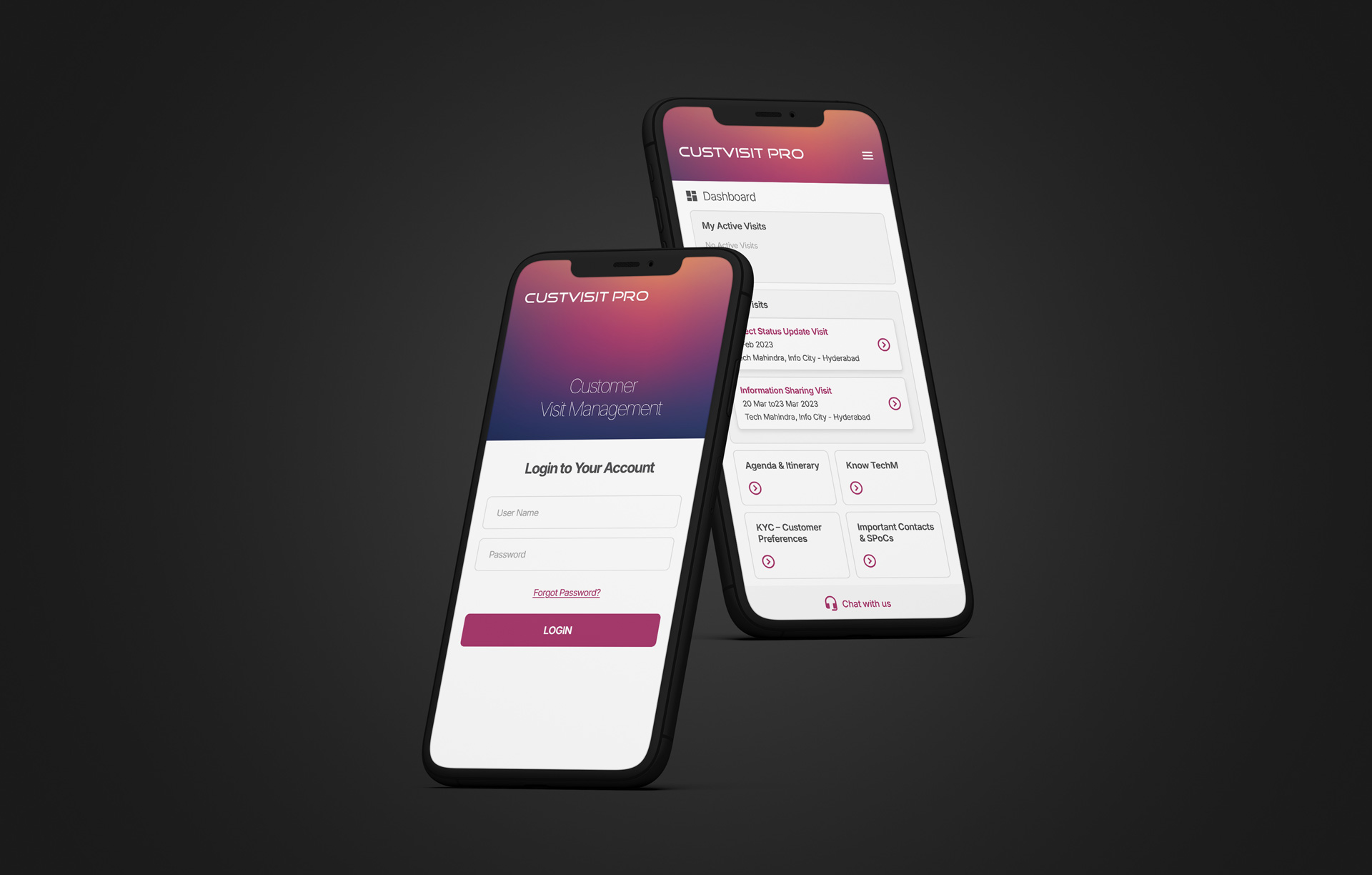
Mobile App | UI/UX | Web App | Web Design
The Corporate Visitor Management Web Application
Project Overview
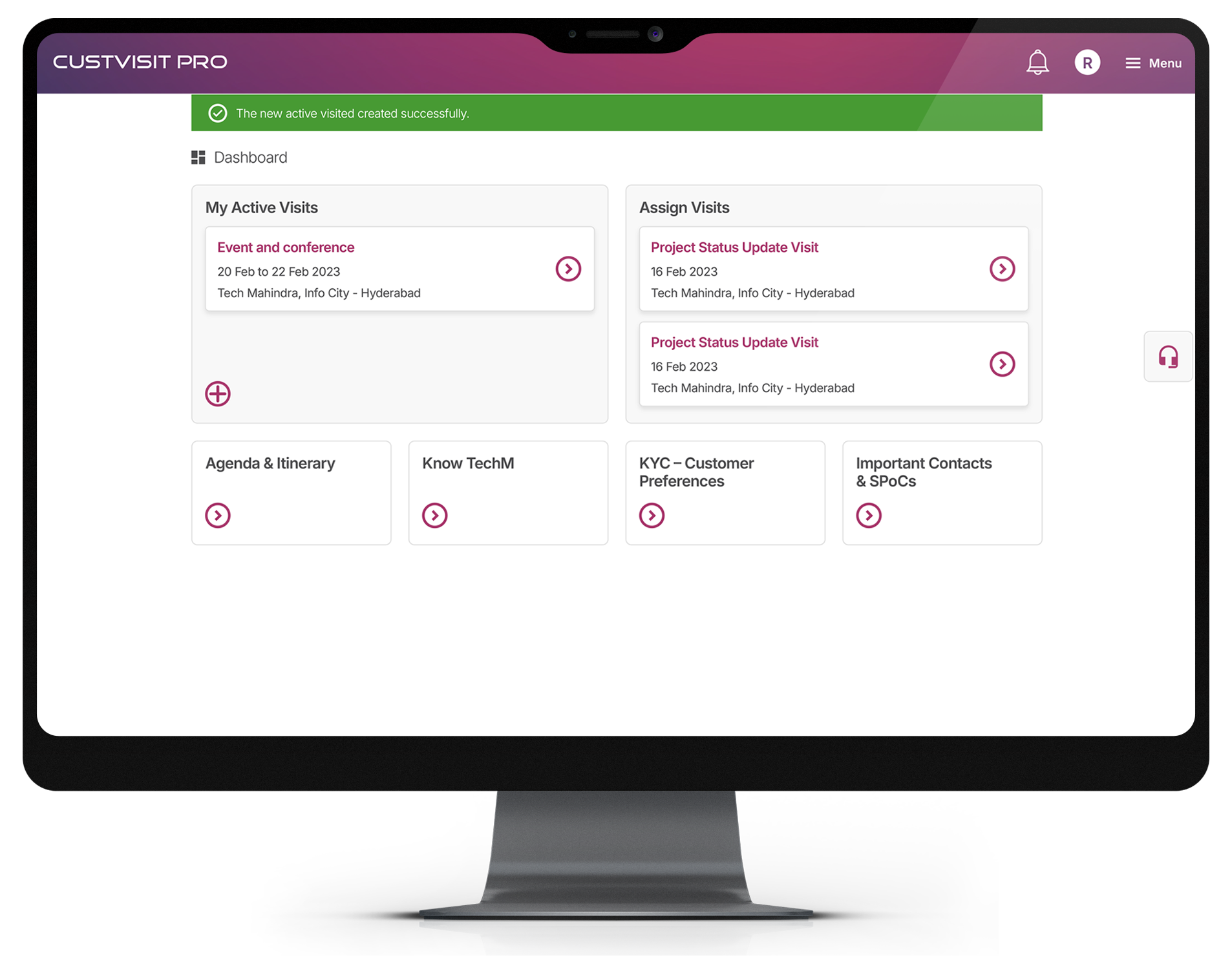
Here is a UX/UI project overview tailored specifically for a Corporate Customer (Visitor) Management Web Application. This pivots the focus from a retail environment to a complex, enterprise-grade workplace where security, compliance, and a seamless professional experience are paramount.
Design
Strategy
Client
Problem Statement
Corporate lobbies frequently suffer from bottlenecks due to manual sign-in processes, leading to poor first impressions for VIP clients and candidates. Security personnel and front-desk staff lack real-time visibility into who is in the building, creating potential security vulnerabilities. Furthermore, coordinating the arrival of guests with their respective internal hosts often relies on inefficient, manual communication channels.
The Self-Service Visitor Kiosk
To effectively resolve the bottlenecks and security vulnerabilities of traditional lobby management, the solution is designed as a modular, cloud-based ecosystem. It bridges the gap between physical hardware and digital workflows, ensuring that every touchpoint—from pre-arrival to departure—is frictionless, secure, and visually intuitive.
The kiosk interface is the digital face of the company. The UI is designed for absolute clarity, minimizing cognitive load for users who are often in a rush or unfamiliar with the building.
Touchless Check-In Flows: Prioritizing a zero-friction entry, visitors can scan a pre-registered QR code from their mobile device directly at the kiosk. The UI provides immediate visual and audio feedback to confirm a successful scan.
Visual & Health Compliance Integration: Seamlessly integrating with environmental hardware, the system can utilize ambient cameras or sensors for visual verification, ensuring safety protocols (such as capacity limits, health screenings, or mask compliance, if required) are met before granting access.
Dynamic Document Signing: A highly legible, step-by-step UI for signing NDAs or safety waivers. The interface uses large touch targets, high-contrast typography, and clear progress indicators to speed up the legal compliance process.
Multilingual Support & Accessibility: The interface prominently features language toggles and accessibility modes (e.g., high contrast, screen reader compatibility, adjusted interaction zones for wheelchair users) right on the welcome screen.
The Users and the Industry
The corporate visitor management sector has evolved dramatically from simple administrative tracking into a critical component of comprehensive workplace security and experience design. Modern enterprises no longer just want to know who is in the building; they require intelligent systems that enforce compliance, ensure safety, and integrate seamlessly with the physical environment.
Industry standards now heavily favor touchless entry protocols and smart lobby ecosystems. This means designing digital interfaces that speak directly to physical workplace infrastructure—such as integrating check-in flows with security cameras, capacity sensors, or automated access gates to subtly enforce social distancing, verify mask or health compliance, and manage lobby traffic without creating a hostile or overly policed atmosphere.
User Research Methodology To capture the nuances of a high-stakes corporate lobby, the research phase prioritized observing the physical-digital intersection:
-
Contextual Inquiry in the Lobby: Shadowing front-desk personnel and security guards during peak arrival hours to observe the friction of manual check-ins, queue pile-ups, and the handling of edge cases (e.g., unregistered VIPs, language barriers).
-
Stakeholder Interviews: Conducting targeted interviews with Facilities Managers and IT Security Directors to map out compliance requirements, evacuation protocols, and physical access control limitations.
-
Journey Mapping (The Visitor’s Walkthrough): Simulating the end-to-end journey from receiving a calendar invite to navigating the parking garage, finding the kiosk, and waiting for the host, identifying cognitive overload at each physical touchpoint.
Personas
& User Journey Maps
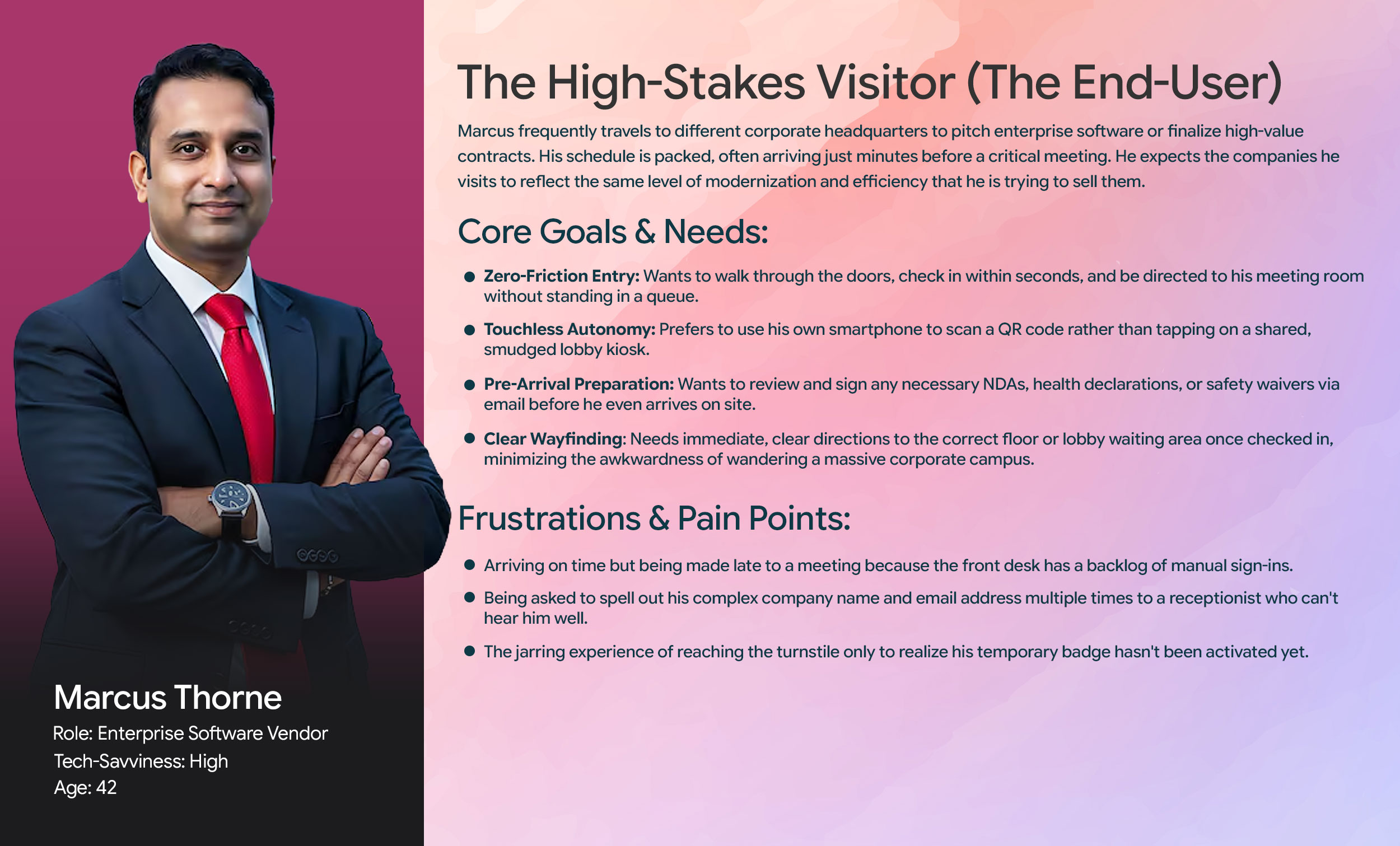
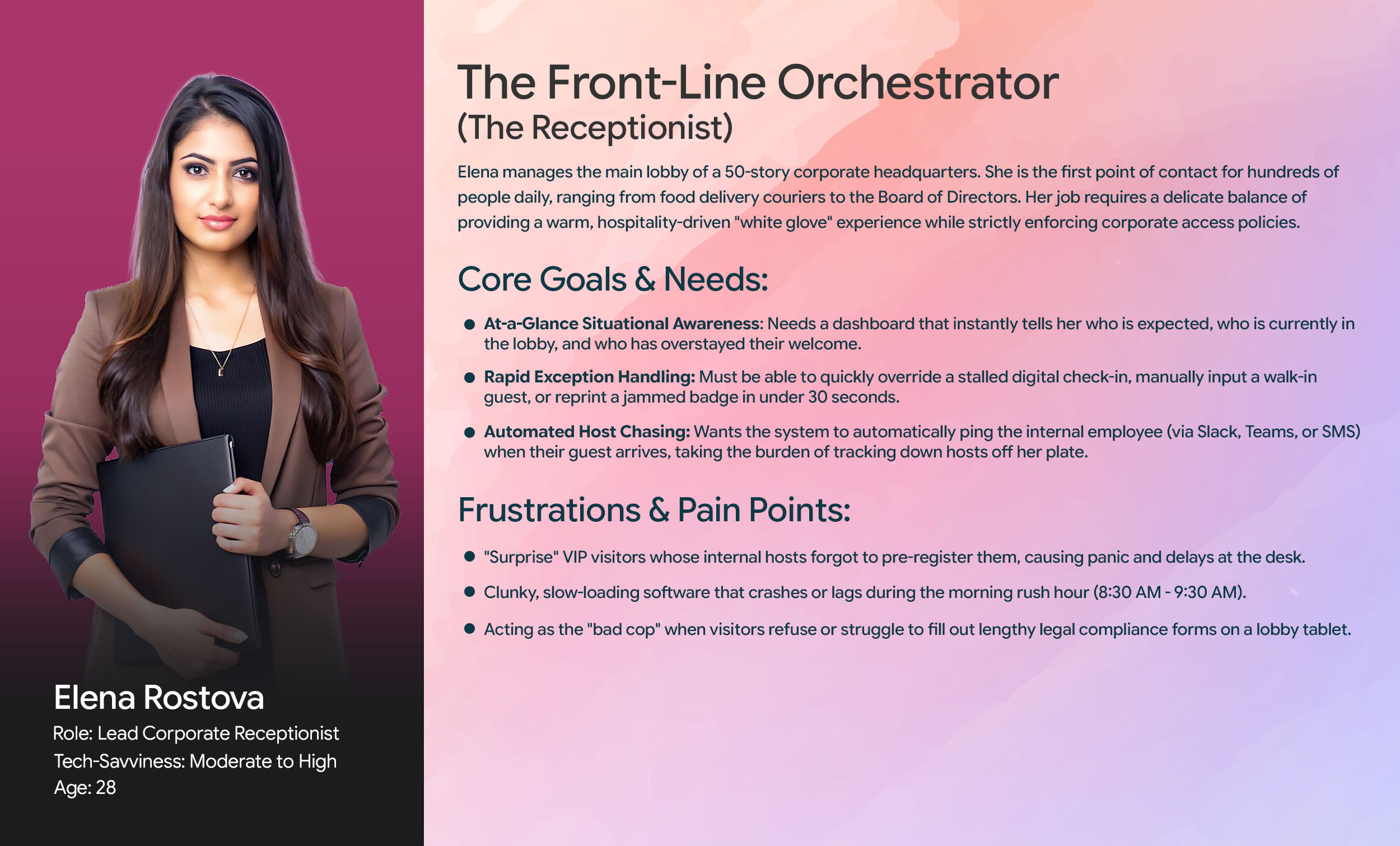
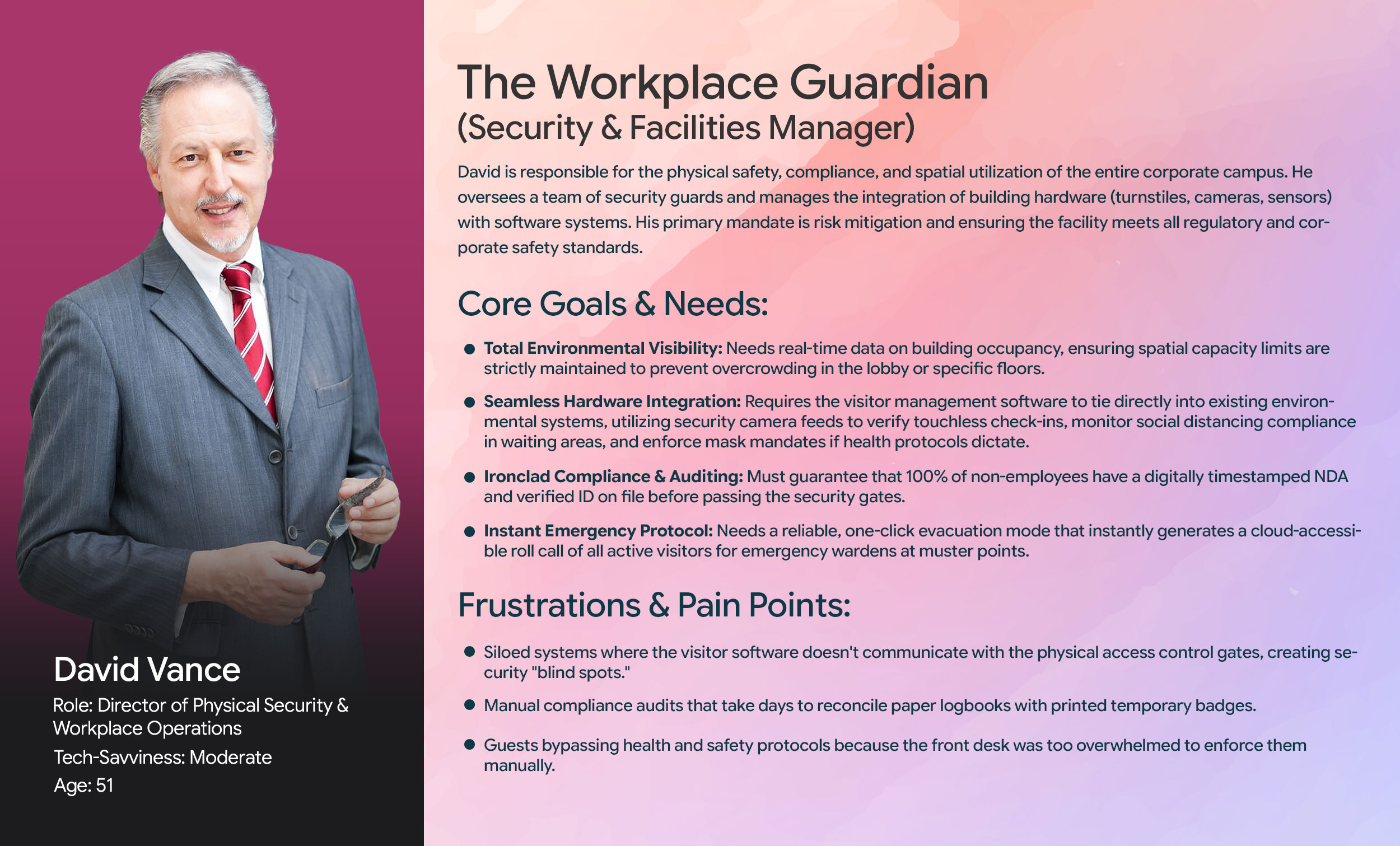
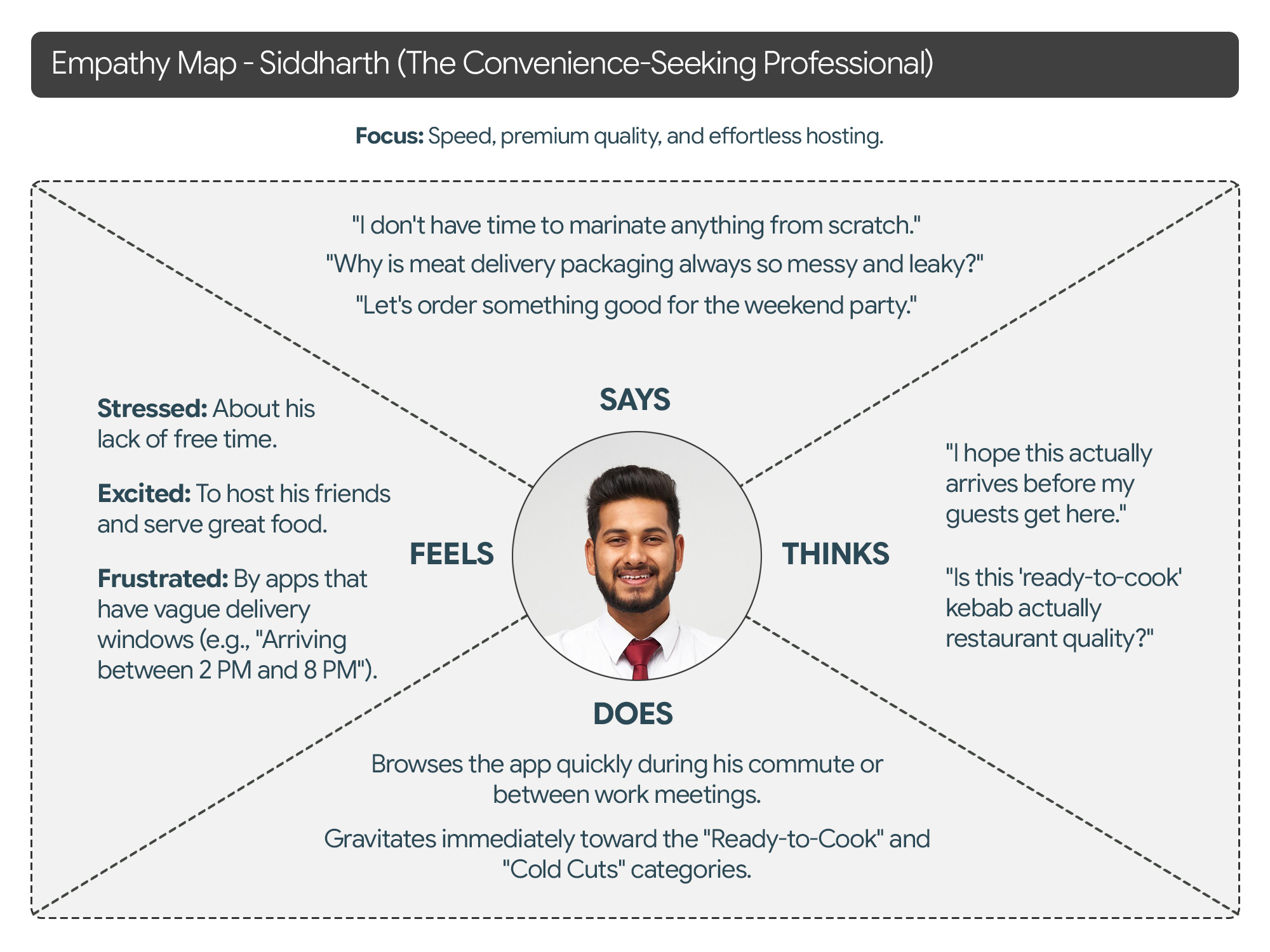
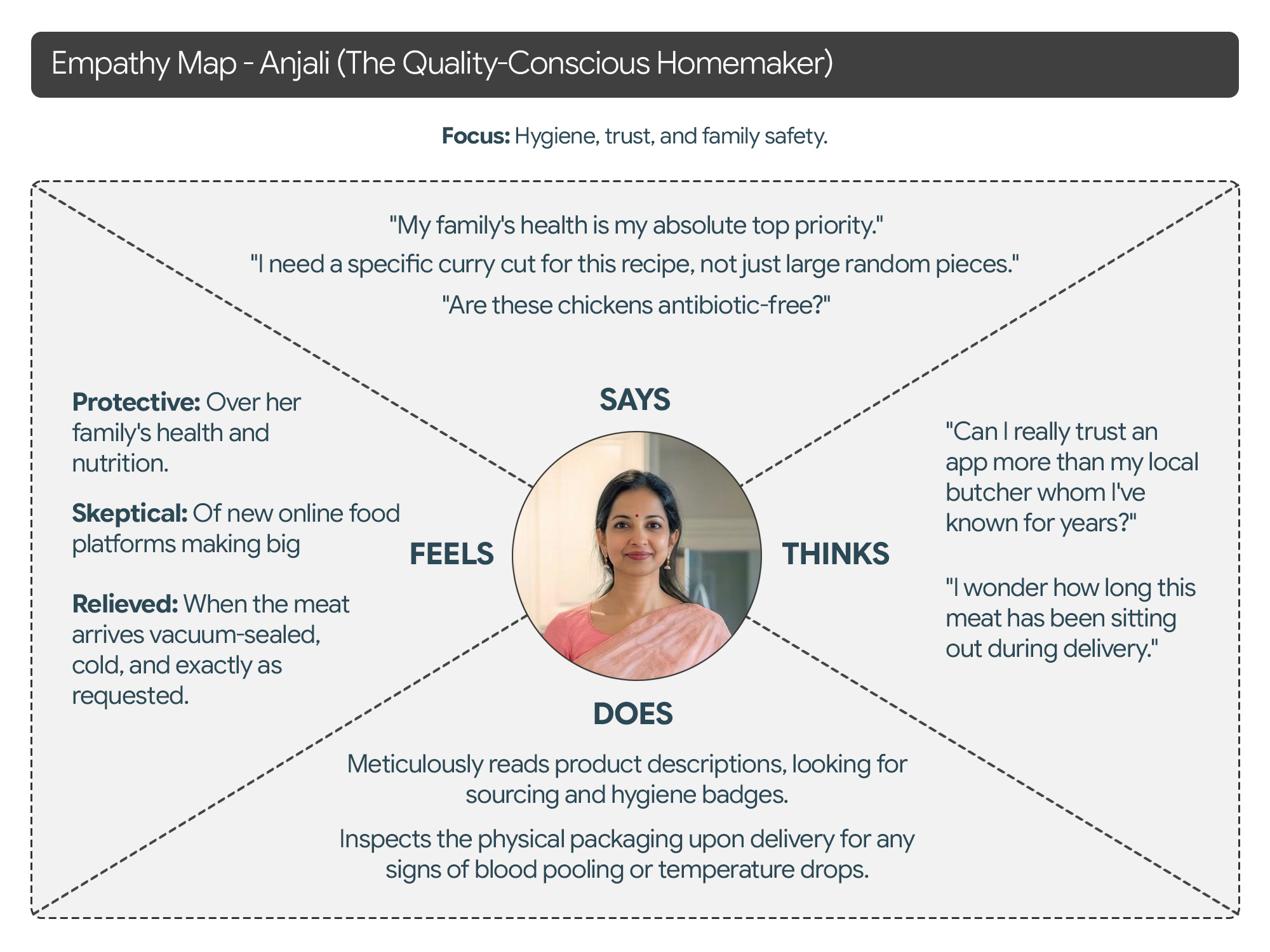
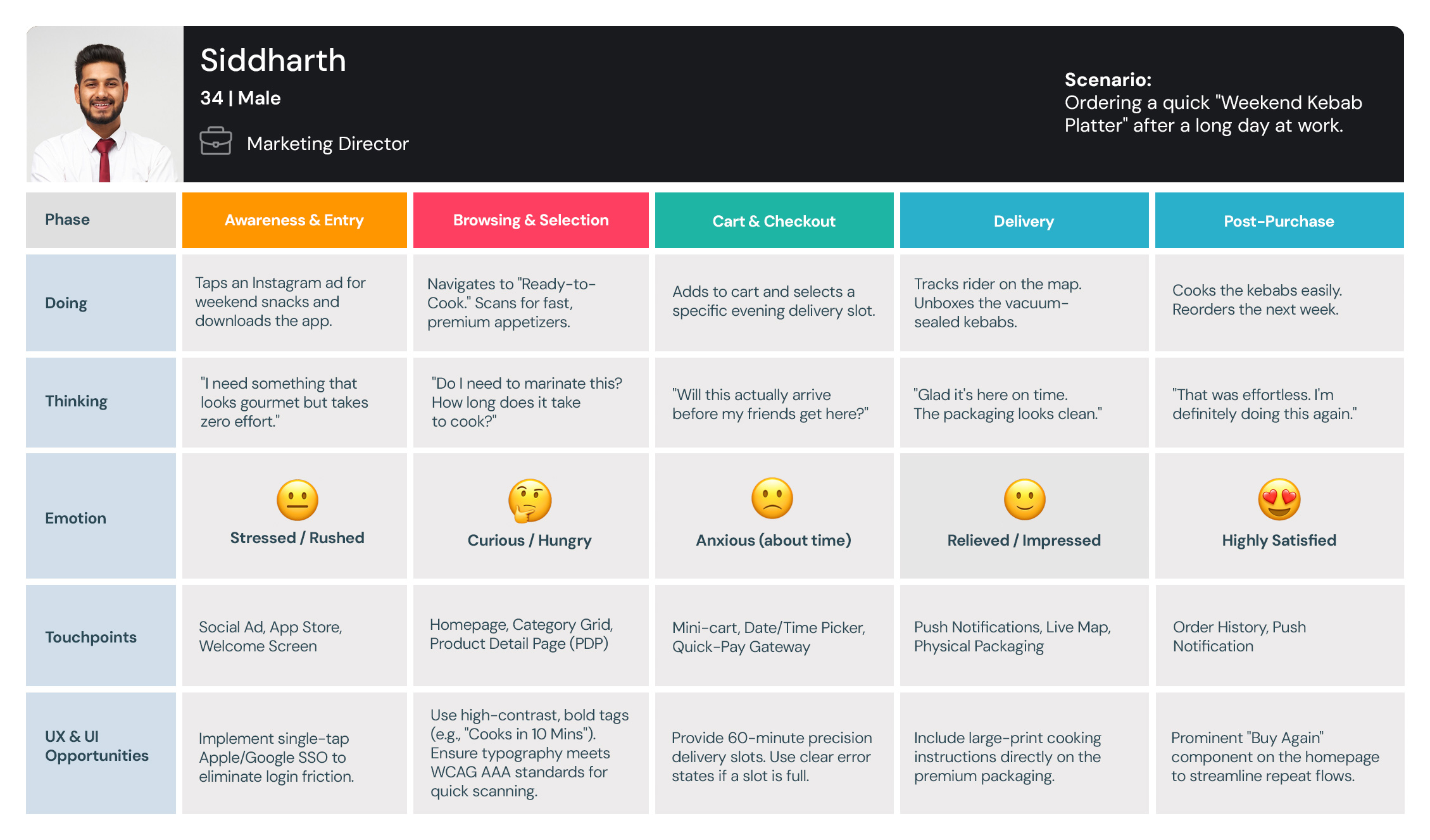
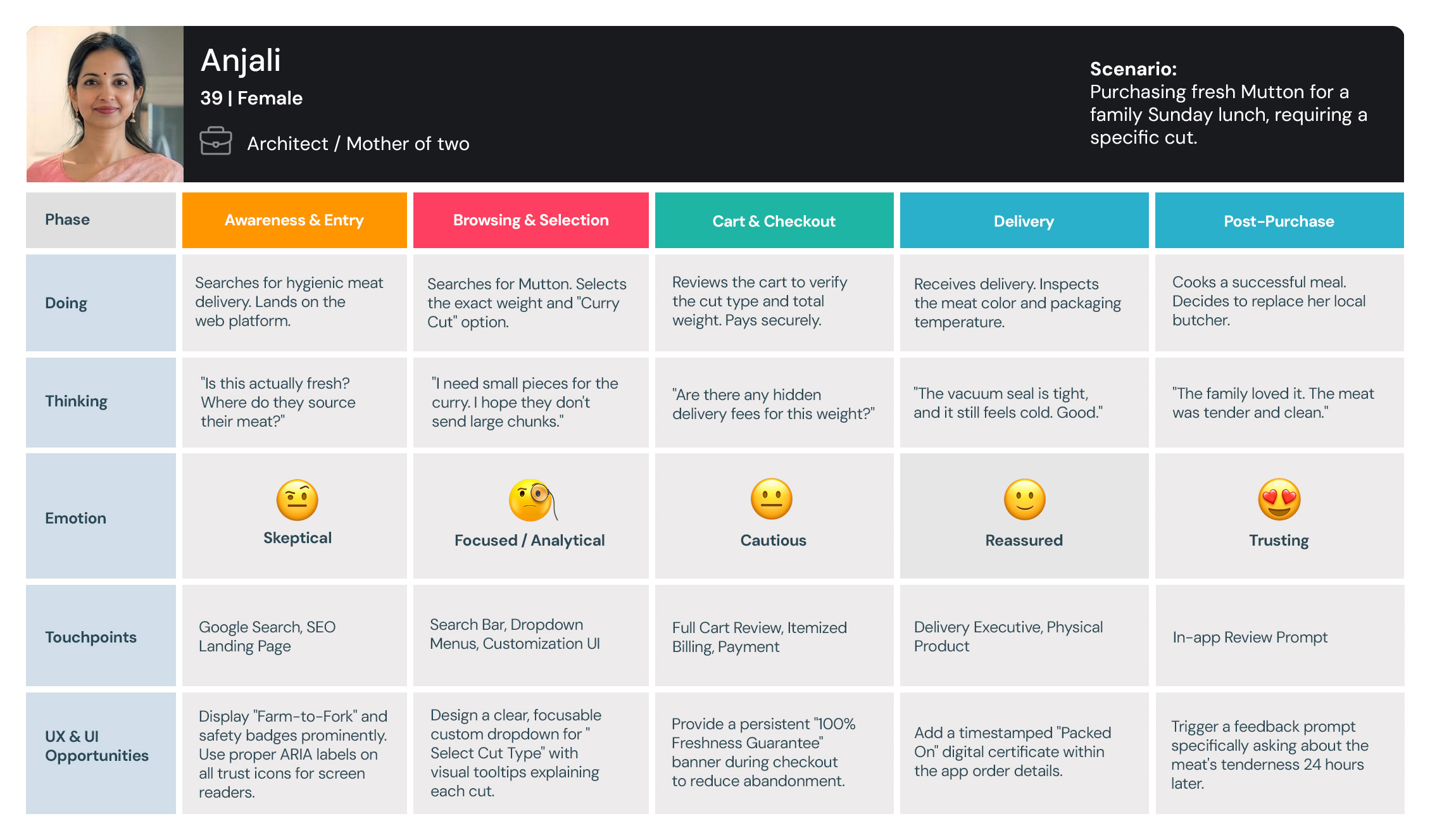
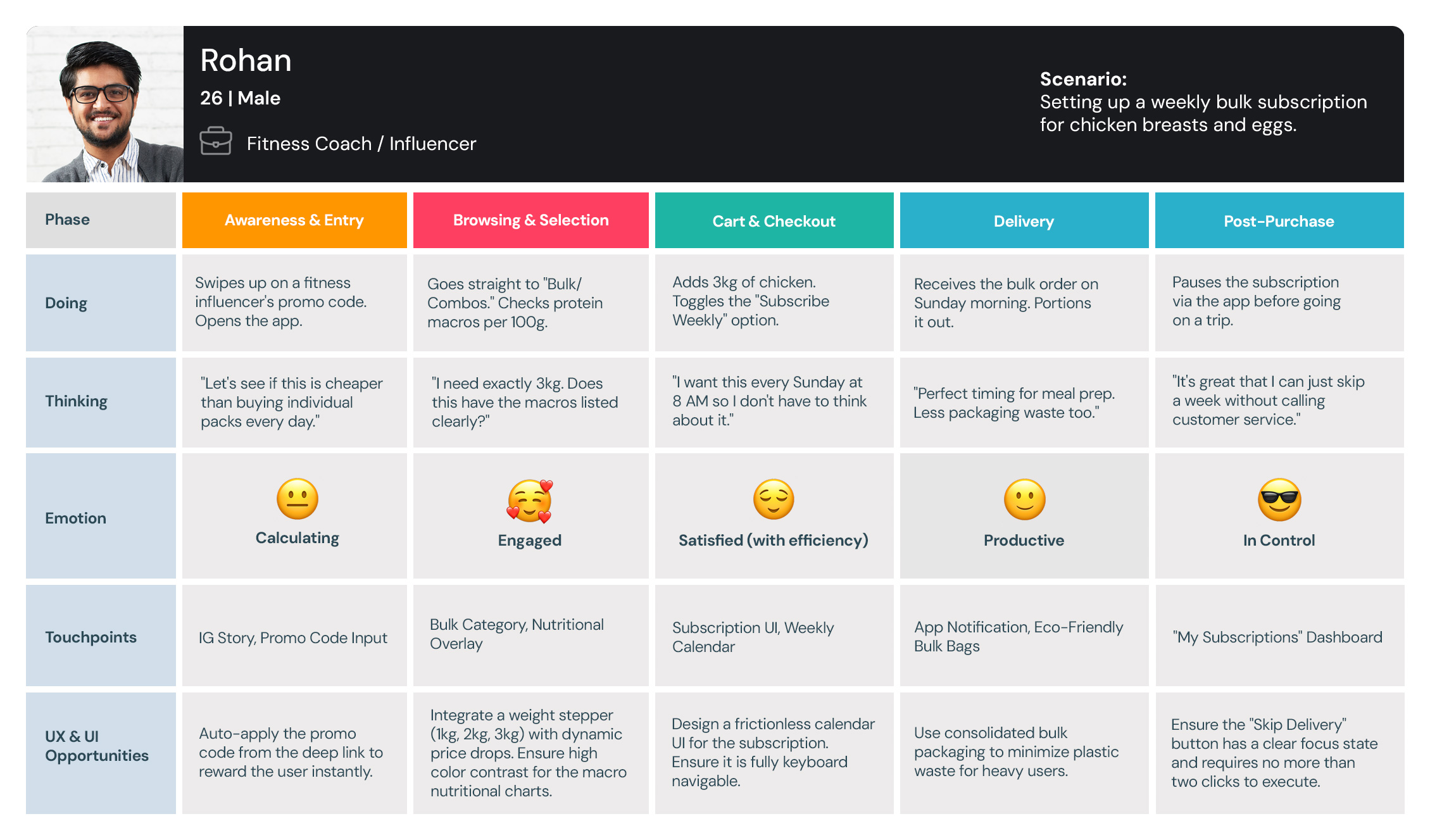
My interviews with the Business Users and Callers provided critical, detailed information. This foundation allowed me to successfully create the resulting personas and journey maps.
Personas
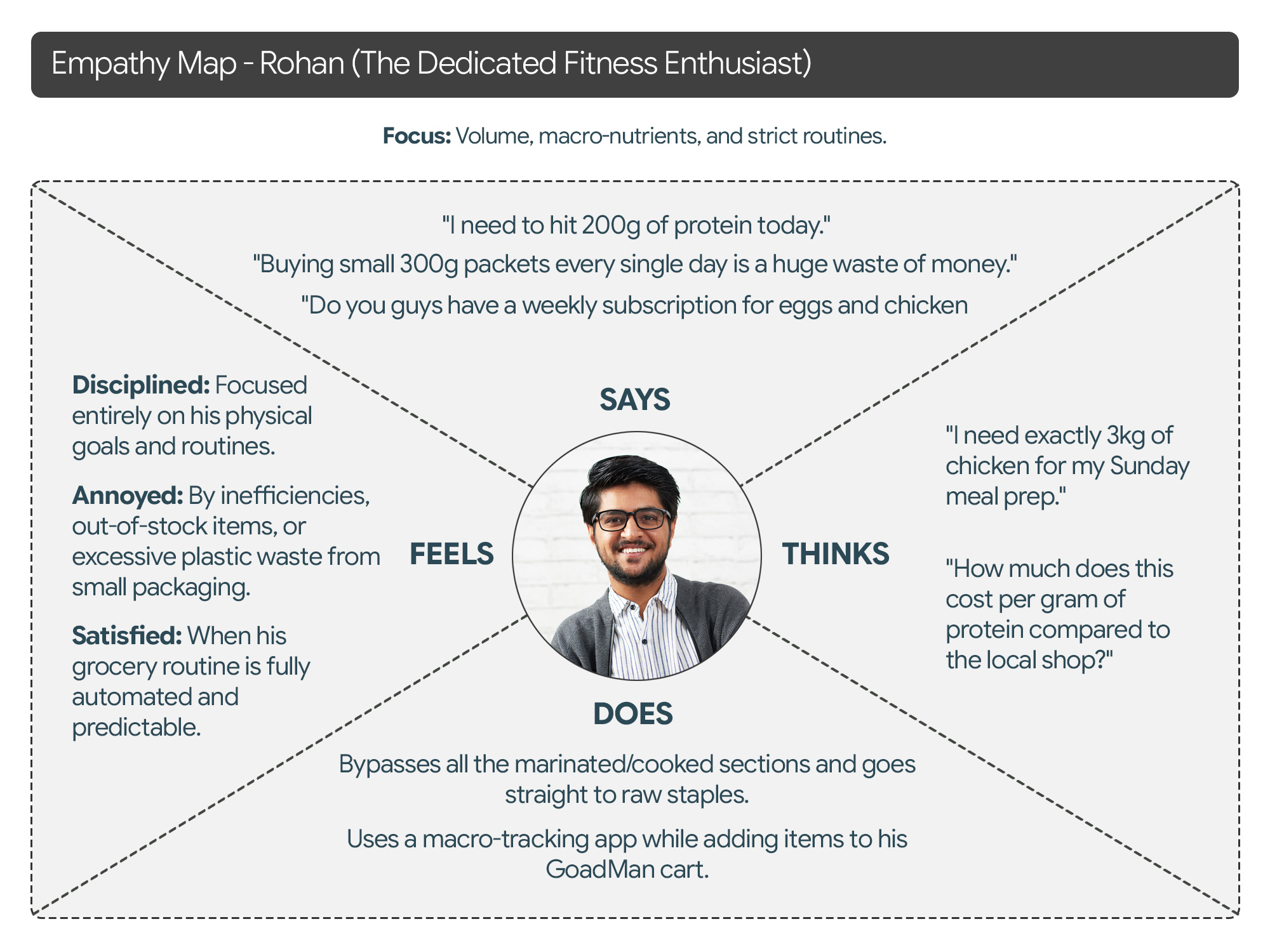
Empathy Map
User Journey Maps
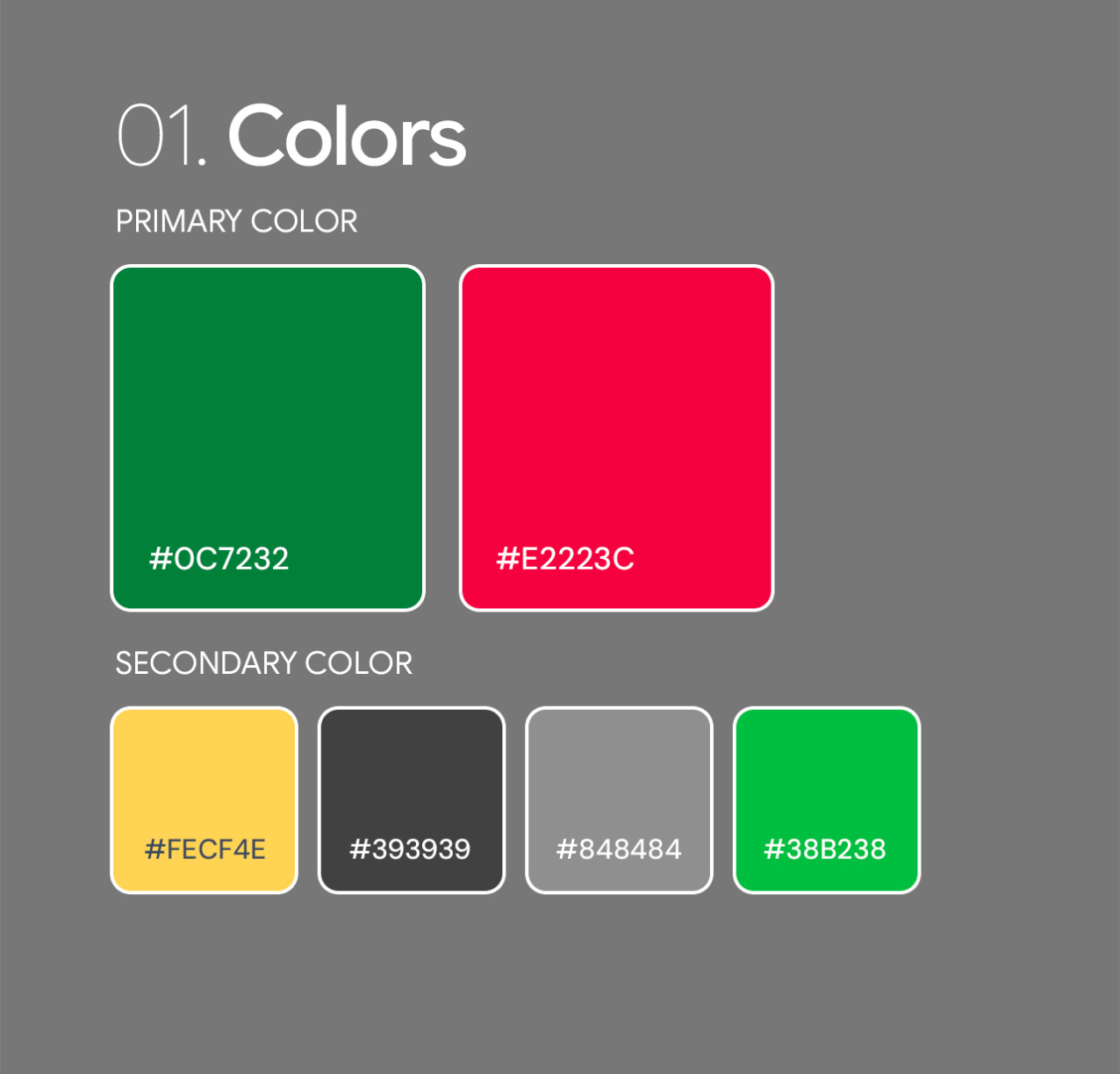
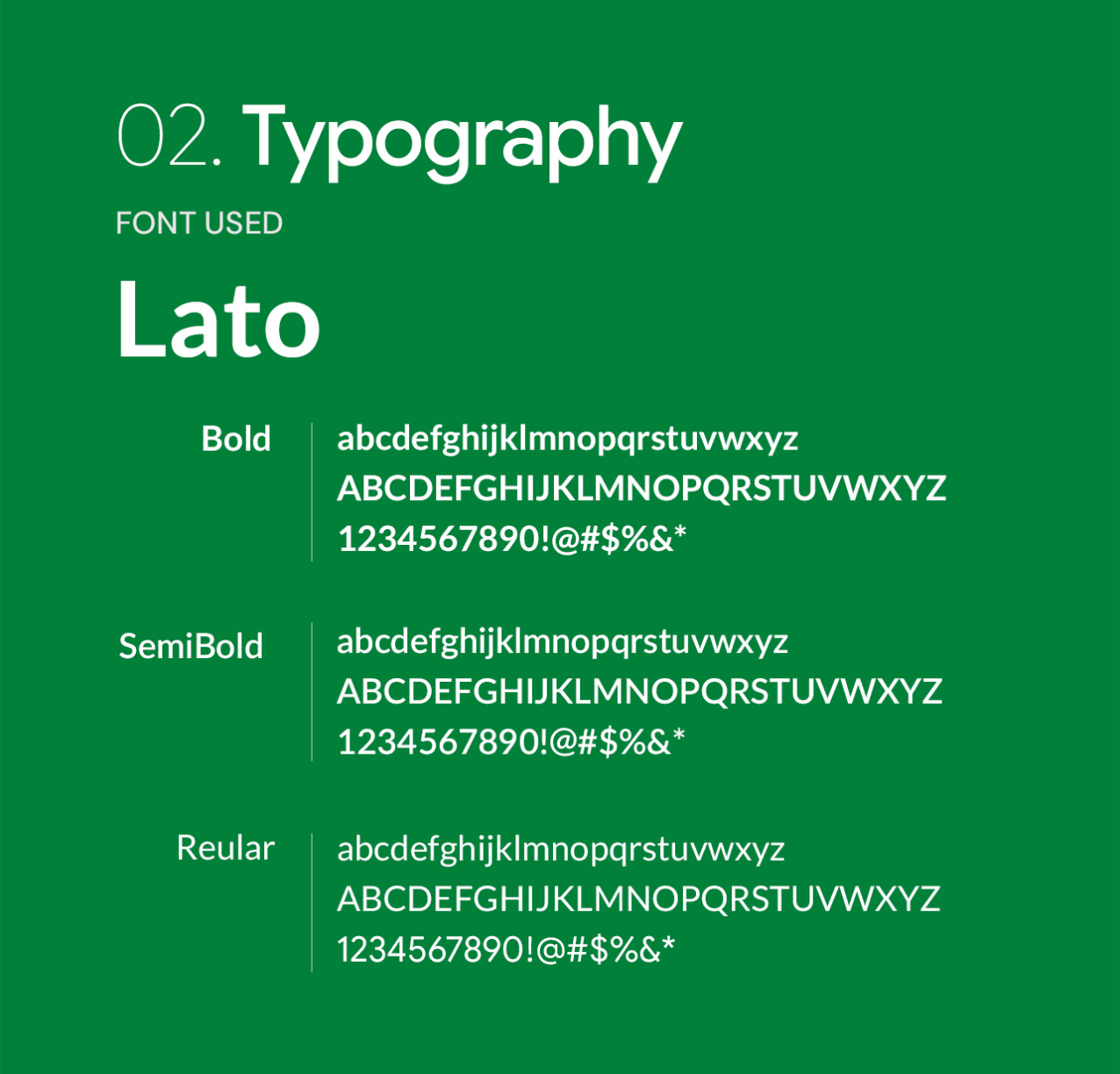
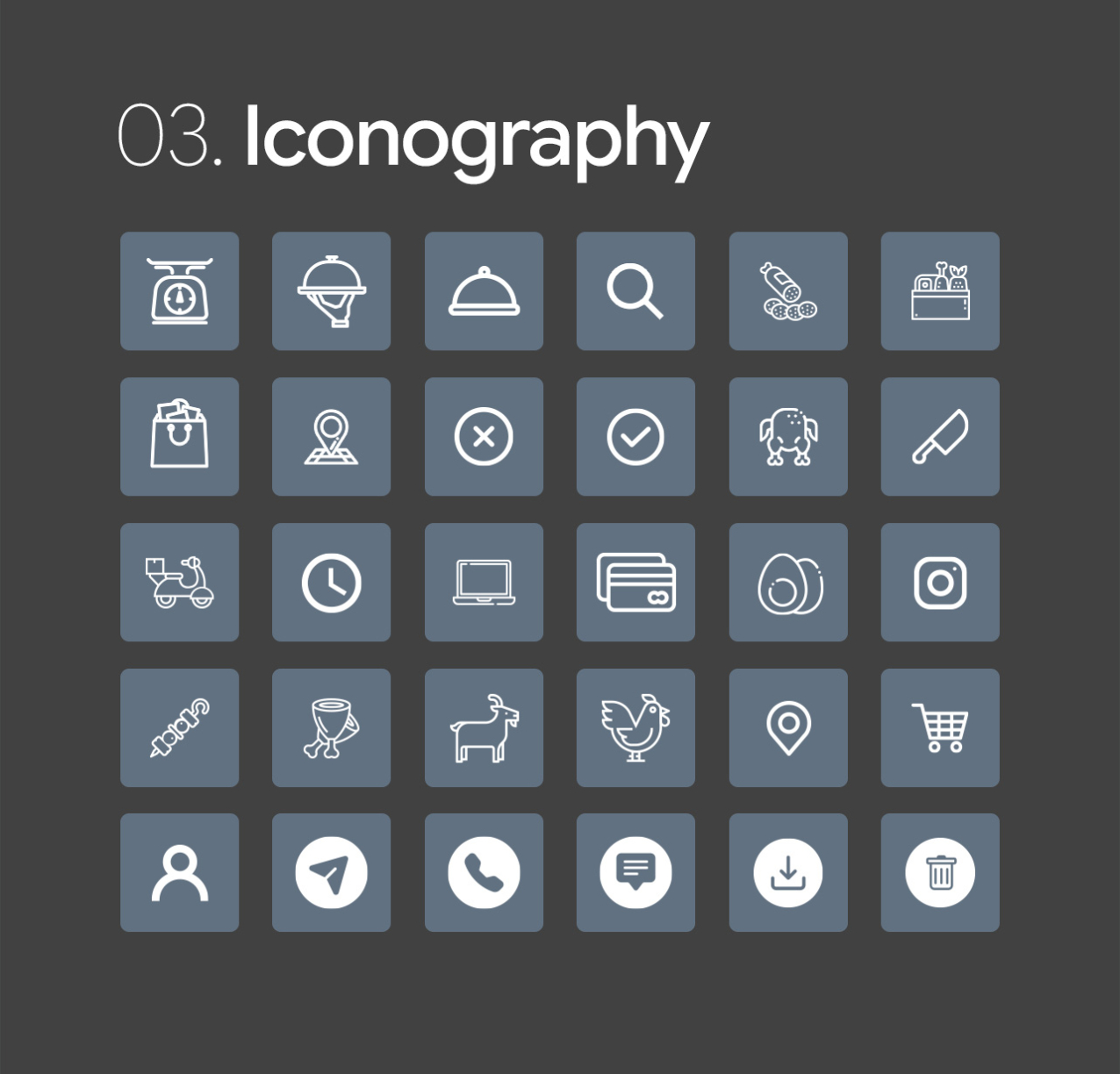
Style Guide